Product Design · UX/UI · Service Design
In ProgressWonderKit
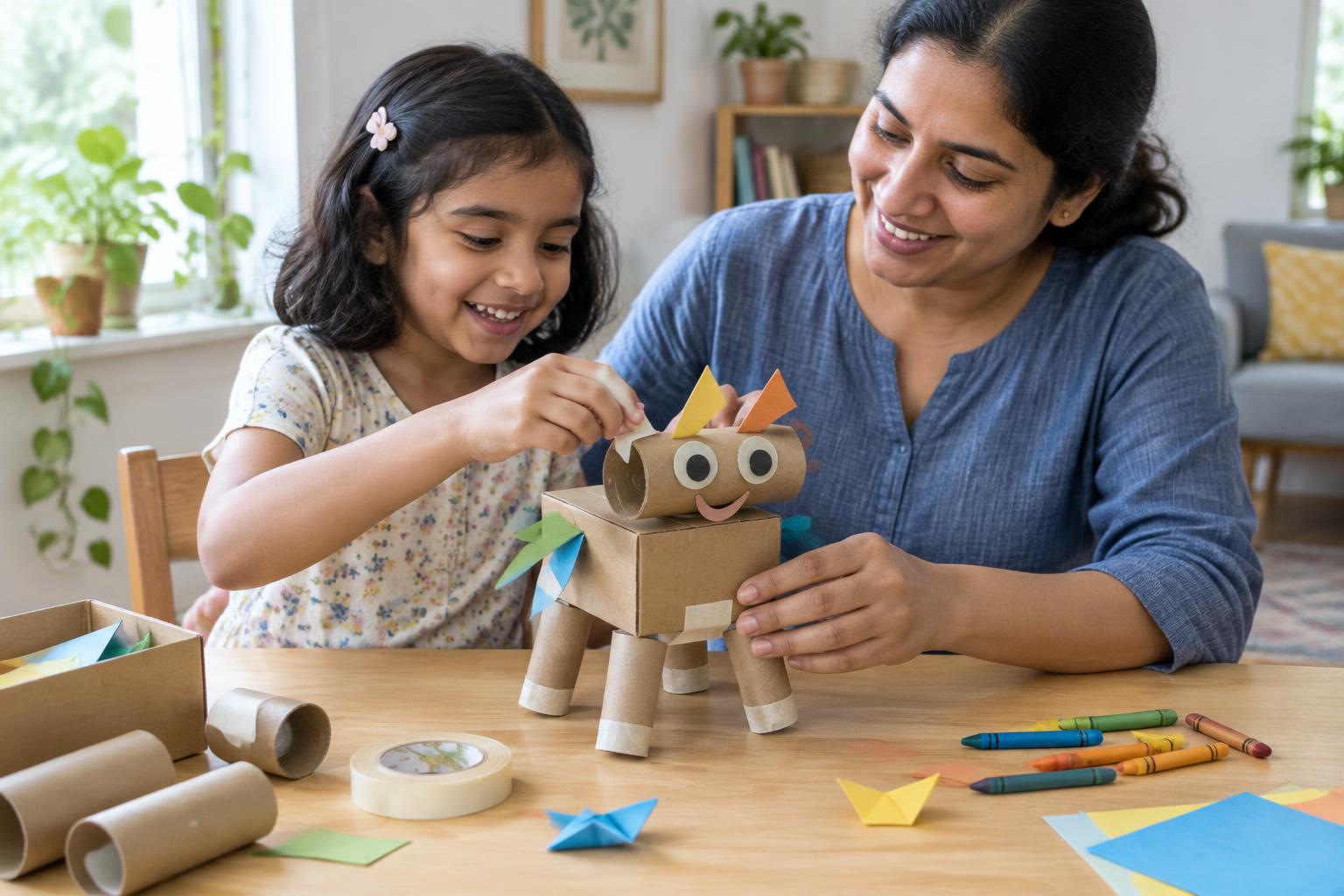
Turning everyday household materials into opportunities for creative, screen-free play.
Busy parents often want their children to spend less time on screens and more time creating, exploring, and playing. But coming up with activities and preparing materials can feel like another task at the end of a long day.
WonderKit explores how a simple digital experience could help parents discover what they can make with things they already have at home, while giving children the freedom to take an activity in their own direction.
- Role
- Product Design
- Focus
- UX/UI, Interaction Design, Service Design
- Stage
- Concept Development & Prototyping
- Platform
- Mobile-first digital experience
WonderKit walkthrough
Walkthrough video coming soon
02 / overview
Making everyday materials matter
- The challenge
- Parents and caregivers may have household materials available but lack the time, energy, or confidence to turn them into engaging play activities.
- The opportunity
- Explore a digital experience that reduces the effort required to discover and prepare activities while making use of existing materials.
- The intended outcome
- Help families begin screen-free play more easily and encourage children to experiment, modify, and invent rather than simply follow instructions.
“The goal isn't to give children more things to play with. It's to help them discover more possibilities in the things they already have.”
03 / problem
The problem isn't a lack of things. It's knowing what to do with them.
These three problem hypotheses inform the concept. They still need to be explored with caregivers and children in real activity sessions.
- Preparation friction
- Parents may need to search for ideas, collect materials, understand instructions, and set up an activity before play can begin.
- Material waste
- Usable paper, cardboard, and other leftover materials can be overlooked when parents assume a new toy or dedicated craft kit is needed.
- Passive instructions
- An activity can focus on copying a finished example rather than giving children the opportunity to experiment or create their own variation.
04 / design opportunity
What if the home became the playground?
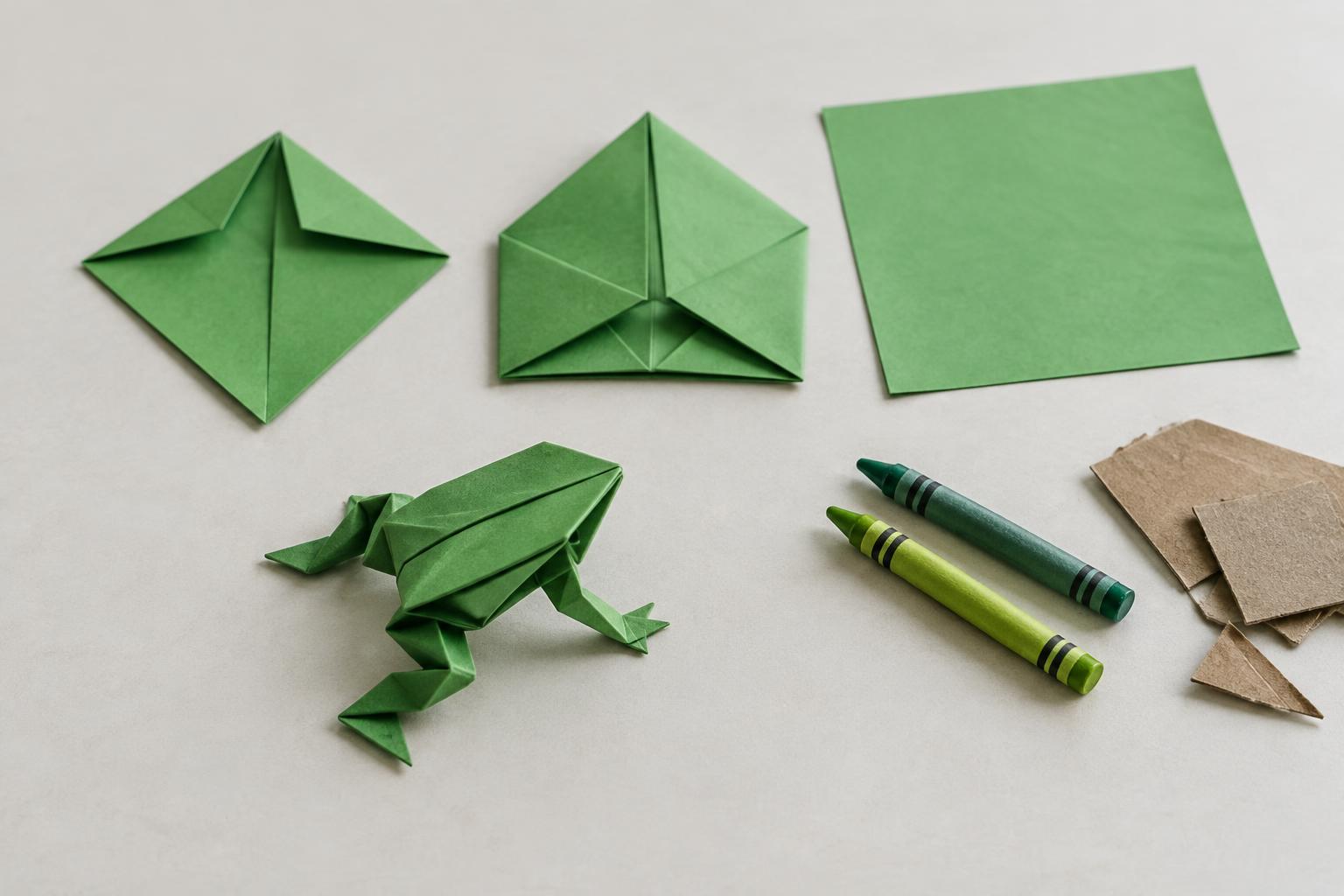
Help caregivers move from available materials to a suitable activity with minimal effort, then encourage children to take the activity beyond the original instructions.
01
Discover
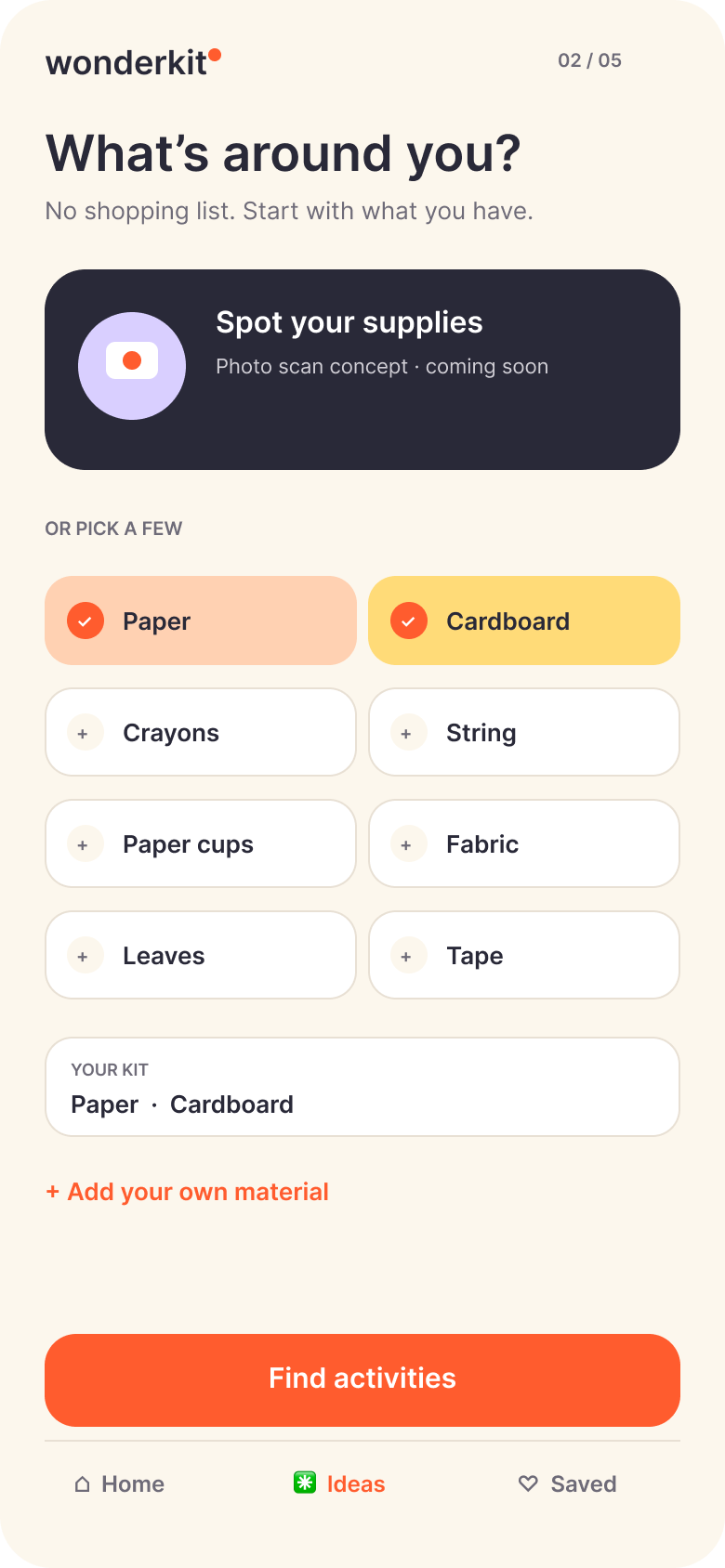
Help parents identify and select the materials they already have.
02
Create
Recommend an appropriate activity with clear, manageable setup instructions.
03
Invent
Give children an open-ended challenge that encourages them to change, experiment, or create something new.
05 / design process
From opportunity to tangible prototype
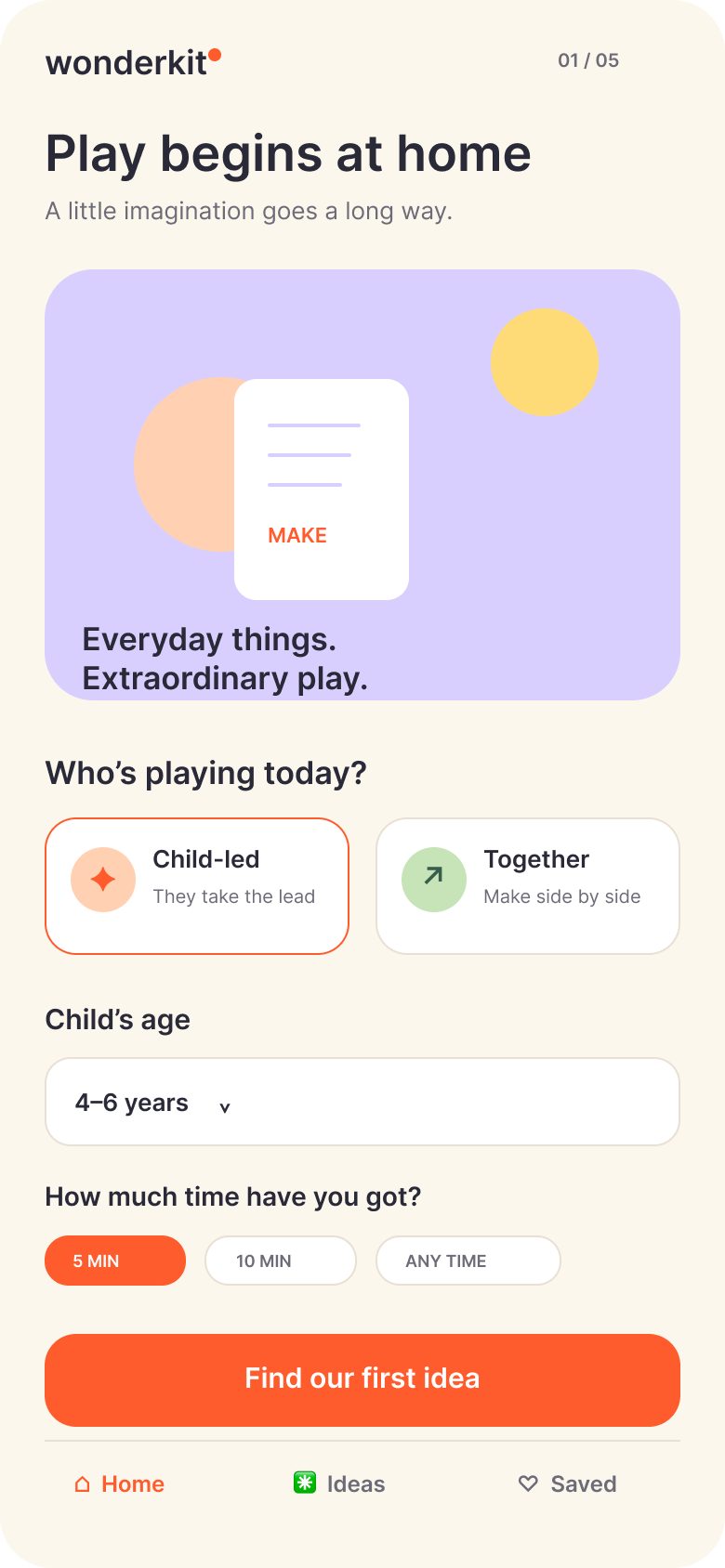
The early direction explores age selection, activity mode, available materials and a paper-frog activity. The supplied WonderKit visuals below show that direction as interface concepts.
The original hand-drawn sketches, sequential origami photographs and completed physical-frog photograph were not included in the supplied materials. These screens are not presented as substitutes for those artifacts or as tested prototypes.
06 / proposed solution
A simpler path from materials to play
A proposed mobile-first experience that supports the beginning of play, then makes room for the child to lead. The supplied screens illustrate the concept; they do not constitute a functioning activity recommendation or recognition service.
Step 01
Tell us about your play session
The caregiver selects the child's age and whether the activity is intended for independent or shared play.
Step 02
Discover available materials
The caregiver enters materials manually. A future photograph-based option could suggest materials, with every suggestion confirmable and editable.
Step 03
Choose an activity
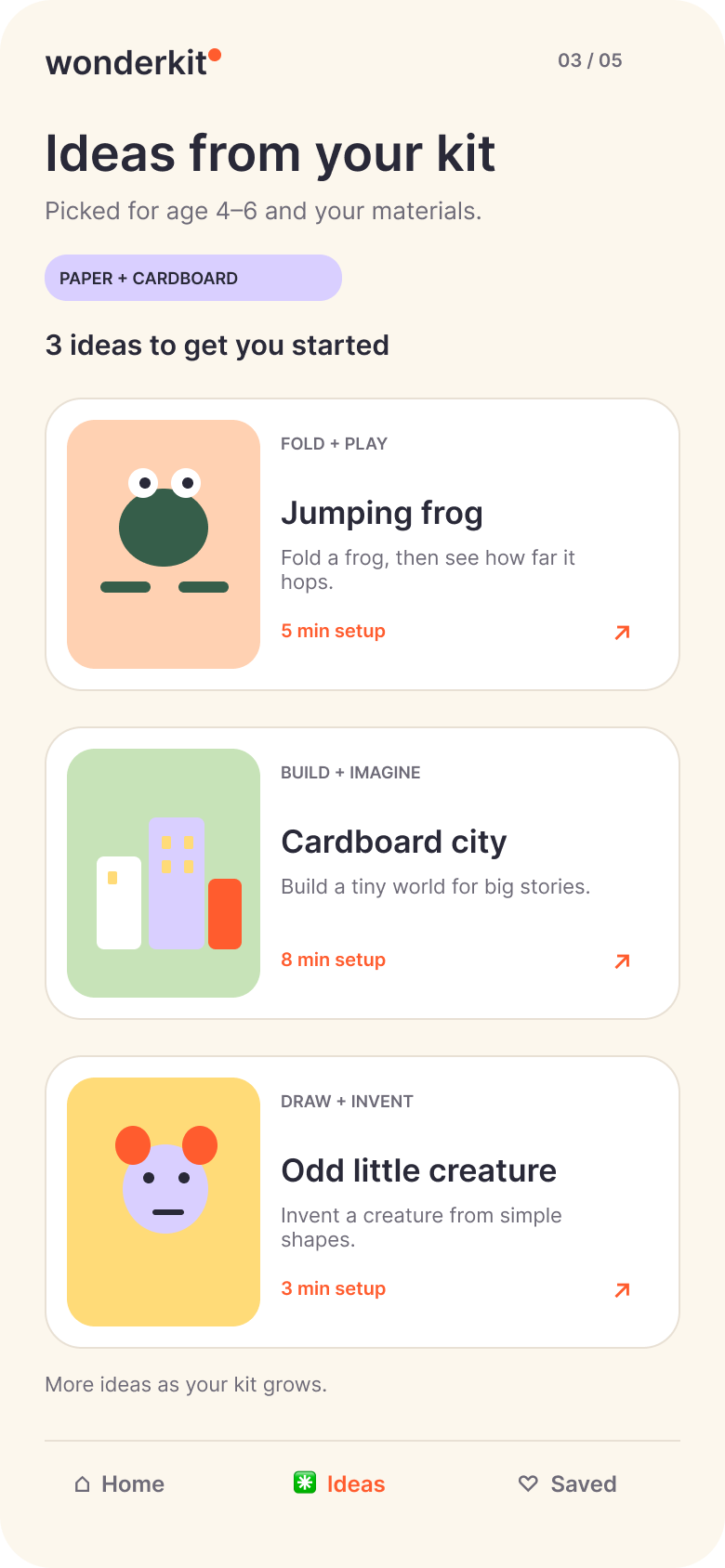
The proposed experience suggests a small selection of activities based on available materials and the intended play session.
Step 04
Let the child take over
The caregiver prepares the activity, and the child receives an opportunity to modify, experiment, or invent.
07 / interaction design
Designed around the moment play begins
Five supplied screens describe the proposed journey. The final screen combines child-led exploration with an optional record of what was discovered. No completed usability-test results are claimed.
Design decision / 01
Play setup
Start with the child and the play session. Age, shared or child-led play, and available time give the proposed suggestions useful context.
08 / key decision
The activity shouldn't end when the instructions do.
The origami frog provides a manageable starting point. The next step invites the child to create a new variation.
“Your frog is ready. What happens next?”
- Change it
- Give your frog a new appearance or personality.
- Experiment
- Try changing how the frog moves or jumps.
- Invent
- Create a new game with your own rules.
FollowExperimentInvent
A design hypothesis to validate with children and caregivers — not proof of a developmental outcome.
09 / design principles
Principles guiding the experience
- Low-friction play
- Make the first useful action easy to discover and prepare.
- Use what exists
- Prioritise accessible household materials rather than requiring new purchases.
- Child-led exploration
- Offer prompts and possibilities without prescribing a single correct outcome.
- Safety by design
- Consider age appropriateness, material hazards, supervision, privacy, and the limitations of automated recognition.
10 / current status
Where the project stands today
- Concept and opportunity
- The problem, opportunity areas, and proposed direction have been defined. They remain hypotheses to validate.
- Early interaction design
- Early sketches are described in the project brief. Five supplied interface concepts show play setup, materials, discovery, guidance and child-led exploration.
- Physical prototype
- The project brief describes a paper origami frog as a tangible activity connecting digital guidance with hands-on play. The original prototype photograph has not been supplied.
Next development stage
Build and test a clickable prototype connecting discovery, activity instructions and child-led invention. Automated material recognition and saved activity history are not implemented.
11 / validation
The next questions to answer
- 01
Can caregivers discover and prepare a suitable activity with less effort?
- 02
Do children use the final creative prompt to modify or invent something beyond the original activity?
- 03
Can the product make relevant suggestions without requiring a perfect material scan, a printer, or extensive setup?
The next phase will involve a clickable prototype, observation of real activity sessions, and iteration based on feedback. These are questions for future testing, not completed findings.
12 / next steps
From concept to a working product
- Prototype
- Connect the main screens and test the core experience using a curated activity library.
- Test
- Observe how caregivers discover, prepare, and hand over activities. Evaluate whether the child-led invention step is useful.
- Build
- Develop a functional, mobile-first experience with curated activities, material selection, safety rules, and progressively introduced personalisation.
Image recognition and generative AI are optional implementation decisions to evaluate, not mandatory requirements for the first version.
13 / reflection
Designing for the moment beyond the screen
This project has led me to explore a simple question: how might a digital product help families spend less time figuring out what to do and more time actually creating together?
The next challenge is to move beyond a promising concept and validate the experience in real homes. I want to understand whether the product genuinely reduces preparation effort and whether its prompts give children more freedom to invent.
An evolving reflection from concept development.
14 / more work
Good ideas don't need to start with something new.
Explore more of my work in product design, creative play, and human-centred experiences.